
Gawr Gura Quest for Bread Quest for Bread tools
Checklists for hats, badges, and a camera that does not walk you into magma.
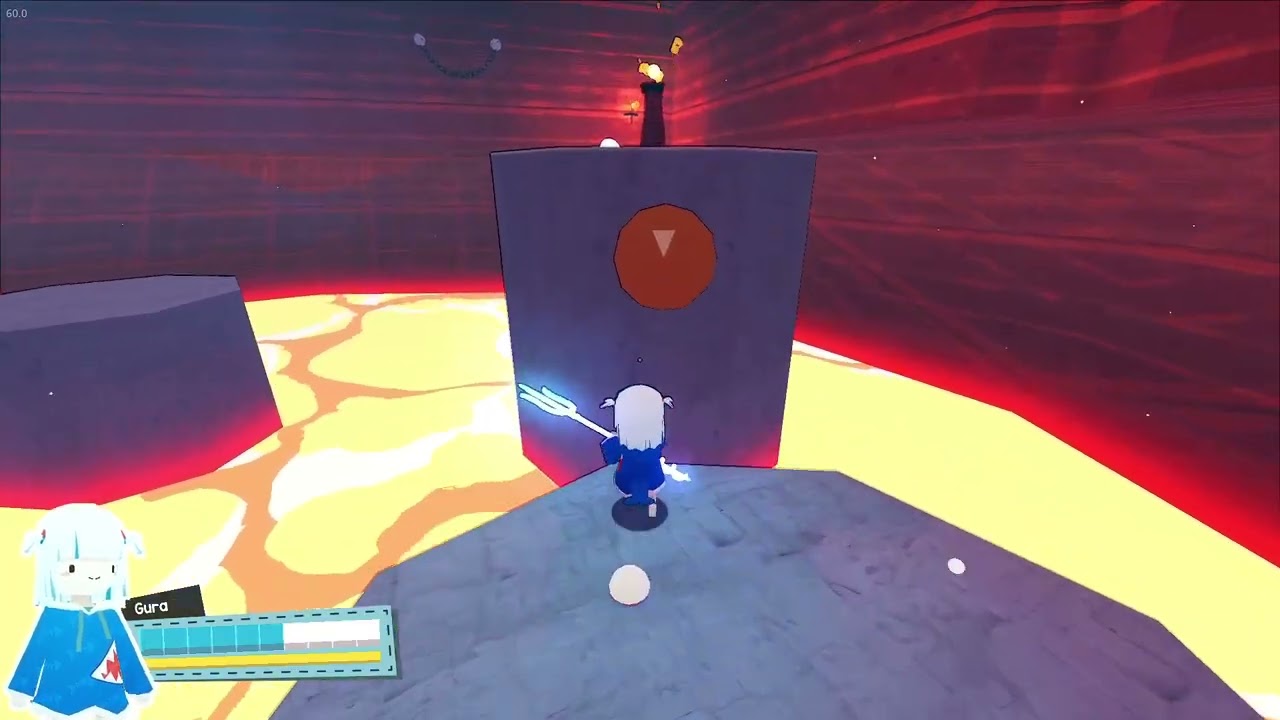
Tools on this wiki are checklists, not trainers. Quest for Bread is a single-player Steam platformer. There are no codes to redeem, no gacha banners to schedule, and no script menus. What you need after a two-hour story file is a place to tick hats, a place to face the eleven Steam achievements, a hardware sheet, a 100% loop, and a place to fix a drifting stick before speedrun mode.
Five tools, five jobs
The hat tracker is a per-stage sheet you fill with descriptions until names exist. Pair it with the hat guide and the hat tier list.
The achievement tracker is the overlay companion. Steam lists eleven badges. This wiki will not invent the seven names the store does not print in a searchable table. Shift+Tab in a live session is the source of truth.
The settings helper is camera, dead zones, brightness, Deck profile. It exists because third-person platformers kill you with the camera more than with Mori Calliope. Read it once, then go back to How to Play.
The PC & Deck sheet is the hardware page: Steam’s modest minimums, the Windows 10 client caveat, Deck Verified, and why the sound-card line is a joke.
The 100% checklist is the second-evening loop: story clear, hat rows, eleven overlay badges, and a separate speedrun file.
How to use them without turning a short game into homework
Do a story clear first via the walkthrough. Open tools on the second evening. Tick a lava-torch-pillar hat. Confirm the overlay still shows eleven badges. Invert Y if your thumbs expect a flight stick. That is the entire product. If a friend asked for a damage calculator, send them the review instead.
Steam Cloud means a Deck session and a desktop session can share a file if you let the client sync. Family Sharing is on the store page. Neither feature needs a wiki gadget; they need you to wait for the cloud tick. The launch notes keep those store facts current.
This hub is the index. Child pages hold the lists. Official channels stay on Links. When a patch changes defaults, we will note it under Updates rather than hiding a changelog inside a tracker.
Use the child pages as a second-evening kit: tracker, overlay, camera, hardware, 100% loop. Do not open them during Calliope. Do not open them during the first lava tax. The walkthrough is still the night-one document. Tools exist so a two-hour game has a clean 100% without a forum spreadsheet. If Steam Cloud fights you, wait for the tick, then screenshot the hat rows anyway. If a friend wants trainers or codes, they have the wrong game — send the review and the Steam store. When a patch lands, Updates will say so. Until then this hub is stable: hats, eleven badges, settings that stop magma deaths that were actually stick drift.
Frequently Asked Questions
Quick answers for first-time shark pilots and 100% hunters.
Is there a code tool?
No. This game has no promo codes. Track hats instead.
Do these tools modify the game?
No. They are checklists and setting notes for the Steam client you already own.
When do I open them?
After one story clear. Night one is Getting Started.